
How to Adjust the Speed Limit Warning in Your Porsche Macan – Quick & Easy Tutorial

⚙️ Master Your Macan: Adjusting the Speed Limit Warning Feature
Looking to stay in control and drive smarter with your Porsche Macan? In this quick and clear tutorial, we’ll walk you through how to adjust the Speed Limit Warning system—a safety feature designed to alert you when you're exceeding a set speed threshold.
Whether you're cruising through the city or hitting the open road, personalizing this setting helps you maintain peace of mind and stay compliant with changing speed zones.
🔧 Step-by-Step Guide:
Access the Main Menu via your Macan’s infotainment system (PCM)
Navigate to “Assistance Systems”
Select “Speed Limit Warning”
Set your preferred warning threshold (e.g., +5km/h above posted speed)
Choose between visual, audio, or both types of alerts
Confirm and you're done!
✅ Why Use This Feature:
Helps prevent unintentional speeding
Ideal for areas with frequent speed limit changes
Customizable to your comfort level
Keeps your drive safe, smooth, and in control
#porschemacan #speedlimitwarning #macantutorial #porschetips #macansettings #porschepcm #drivingsafetyfeatures #macanassistancesystems #macaninfotainment #howtoporsche





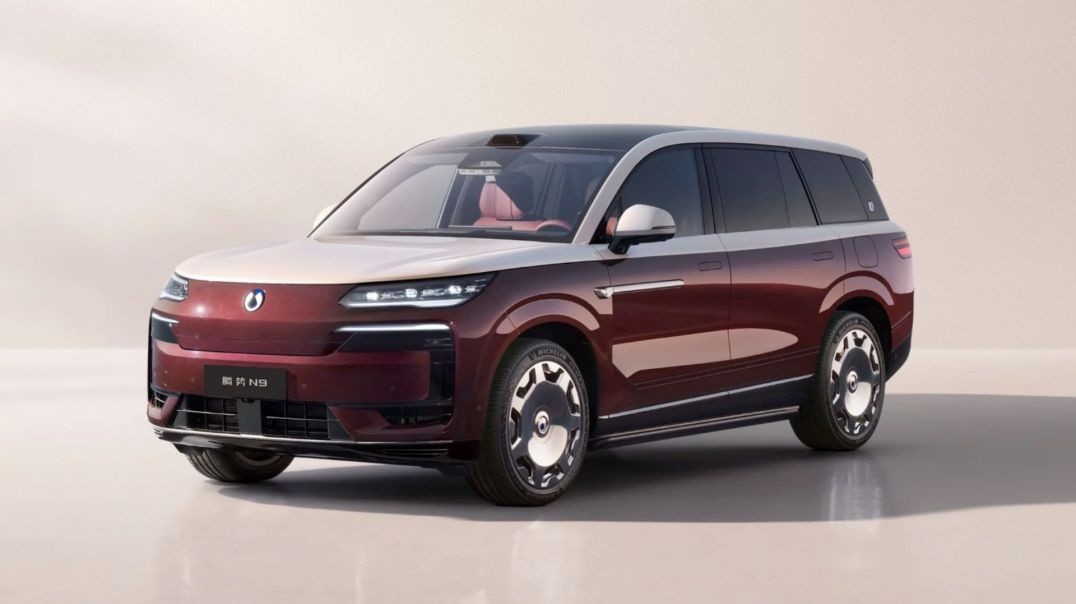
BYD DENZA N9 | Premium Flagship SUV | Next-Generation Luxury & Intelligent Technology
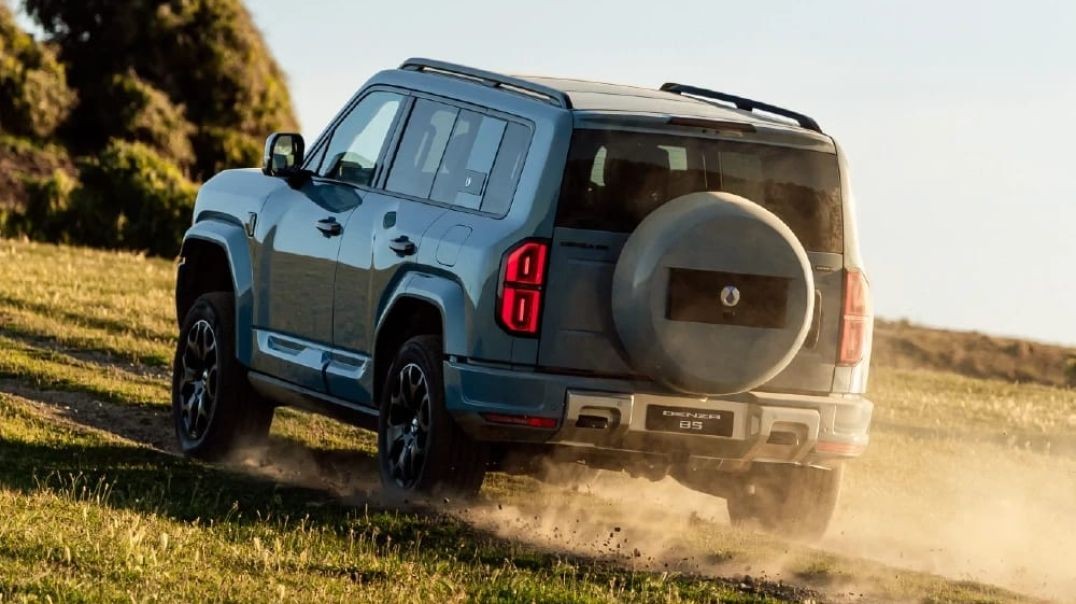
DENZA B5 & B8 | Built for Every Path | Premium SUVs in Auckland, New Zealand
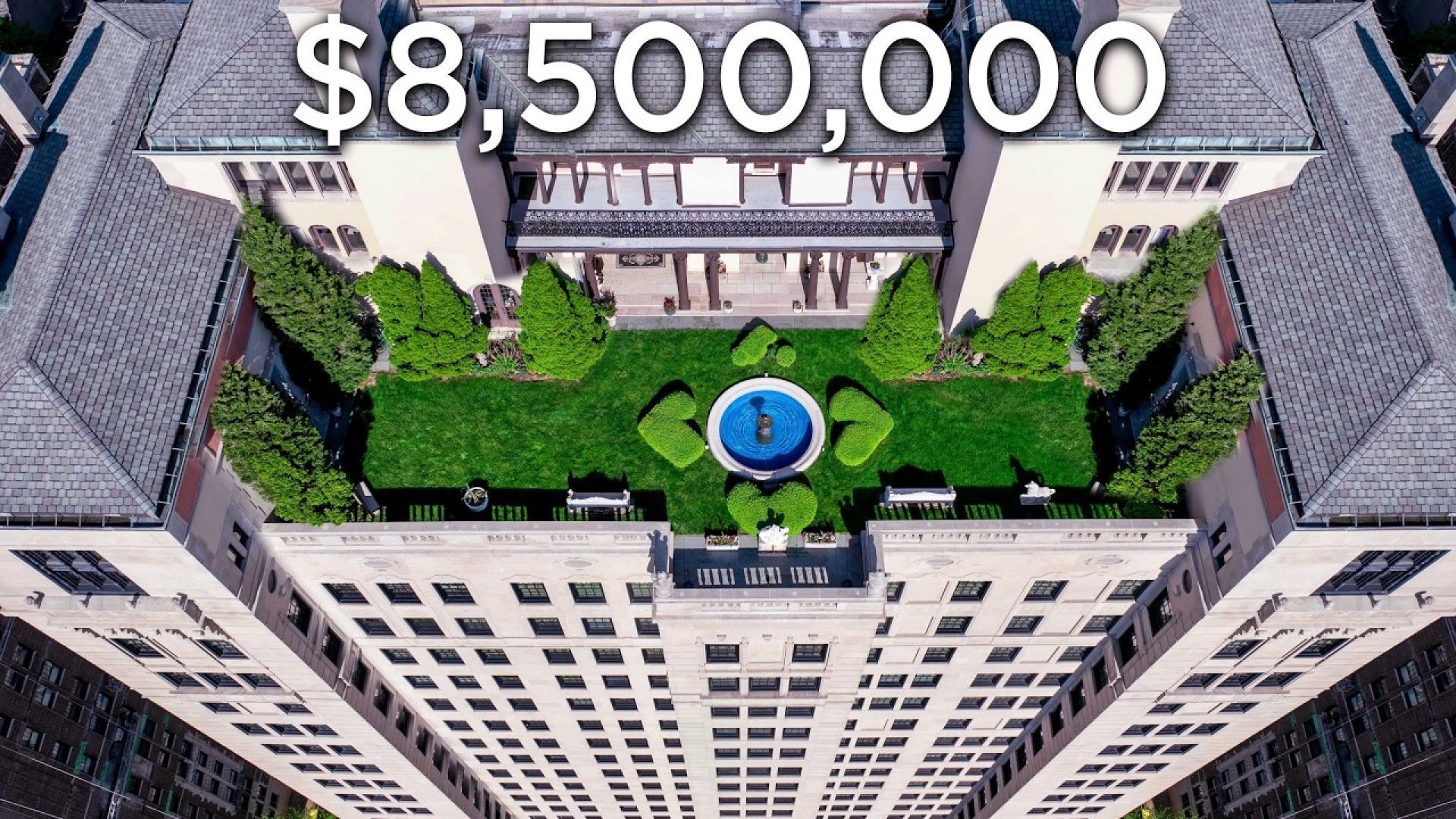
Tour an $8,500,000 Chicago Penthouse with Private Rooftop Garden & Lake Views
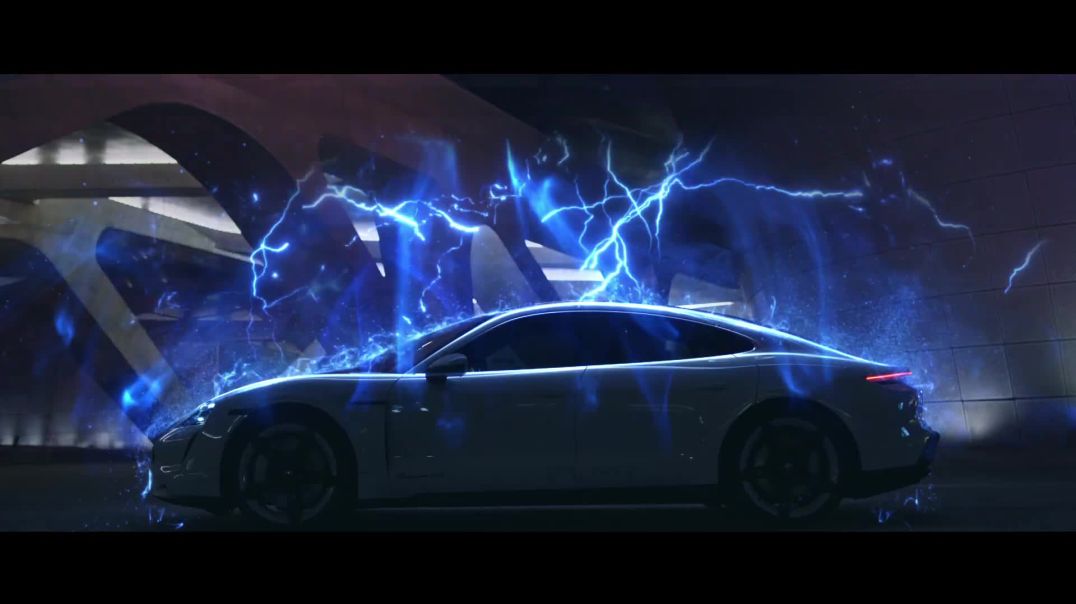
Porsche Taycan Hologram: How NZ Luxury Tech Is Shaping the Future of Automotive Ads

The Porsche GT Circle – Cameron Green’s Story of Passion, Precision & Performance

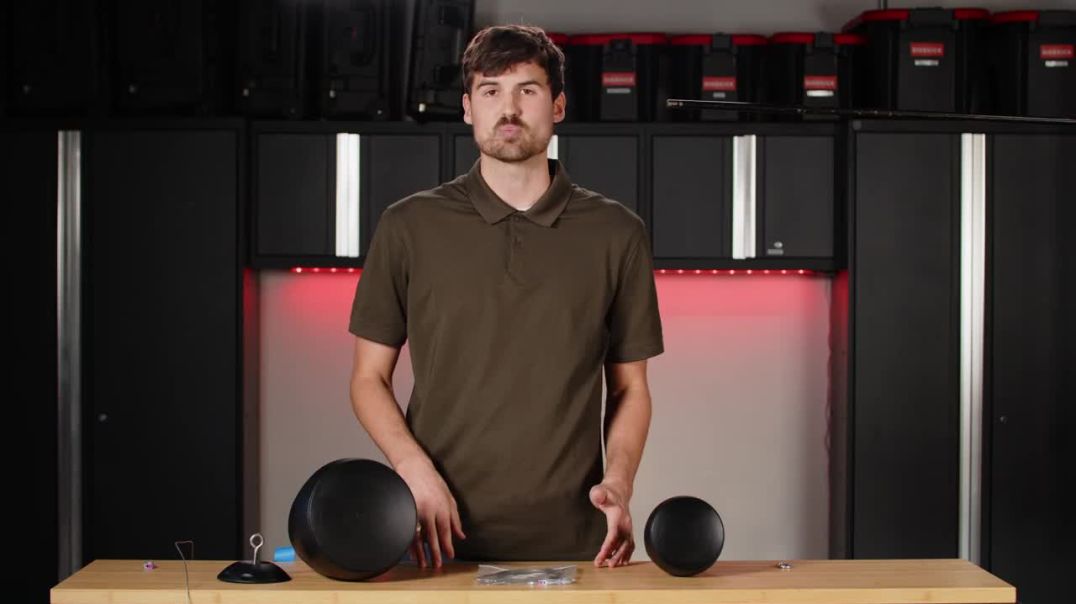
Quick Guide to Installing Commercial Pendant Speakers with Pure Resonance Audio


![French Montana - Writing on the Wall ft. Post Malone, Cardi B [Hobbs & Shaw car chase scene]](https://s3.ap-southeast-2.wasabisys.com/cdn.vidude.com/upload/photos/2022/10/qPxdsqWvhwxzoxkf3GpZ_08_f3a7d8d19f12cf5eb493195344626542_image.png)
French Montana - Writing on the Wall ft. Post Malone, Cardi B [Hobbs & Shaw car chase scene]


Up next
BYD DENZA N9 | Premium Flagship SUV | Next-Generation Luxury & Intelligent Technology
DENZA B5 & B8 | Built for Every Path | Premium SUVs in Auckland, New Zealand
Tour an $8,500,000 Chicago Penthouse with Private Rooftop Garden & Lake Views
Porsche Taycan Hologram: How NZ Luxury Tech Is Shaping the Future of Automotive Ads
The Porsche GT Circle – Cameron Green’s Story of Passion, Precision & Performance
Quick Guide to Installing Commercial Pendant Speakers with Pure Resonance Audio
Community Feedback
2 Comments
Exotic Cars Bethlehem
3 months agoGlory Days Visalia
5 months ago