
Do You Really Need 2TB in the New Mac mini M6? | 256GB vs 2TB SSD Upgrade

Is upgrading the brand-new Apple Mac mini M6 from 256GB to 2TB SSD actually worth the extra cost, or is 256GB enough for most people?
Storage is one of those upgrades that can look simple on paper but make a big difference depending on how you use your Mac. A 2TB SSD gives you substantially more room for applications, photos, video projects, games, documents and large working files without constantly managing available space.
But more storage isn't automatically better. If your Mac mini is mainly used for web browsing, office work, streaming, light creative work and cloud-based files, 256GB may be perfectly workable. For video editors, photographers, developers, designers or anyone keeping large projects locally, the case for more internal storage becomes much stronger.
For Auckland and New Zealand buyers, the useful question is therefore not simply “Can I afford 2TB?” but “Will I actually use enough local storage to justify the upgrade?”
Questions to consider:
Is 256GB enough for your everyday workload?
How much space do your current files and applications require?
Do you work with large video, photo or design projects?
Would external storage be a practical alternative?
How important is having everything stored locally?
Is paying for the larger SSD now preferable to managing storage later?
This is a decision-useful look at the 256GB → 2TB upgrade, helping you work out whether the extra capacity solves a genuine problem for your Mac mini setup in New Zealand.
#macminim6 #macmini #applemacmini #macminiupgrade #2tbssd #256gbssd #macstorage #ssdupgrade #applesilicon #macsetup #macforwork #macforcreators #videoeditingmac #creativeworkflows #aucklandtech #auckland #nztech #newzealandtech #kiwitech #applenz #macnz #homeofficesetup #desktopmac #techdecisions







Do You Really Need a Dual-Lens Pocket Camera? | DJI Osmo Pocket 4P Explained 🎥
Is the DJI Osmo Pocket 4P Worth It for Filming in Auckland? | A New Way to Create
Do You Really Need a Portable Monitor? | SOTSU FlipAction Could Change Your Desk Setup
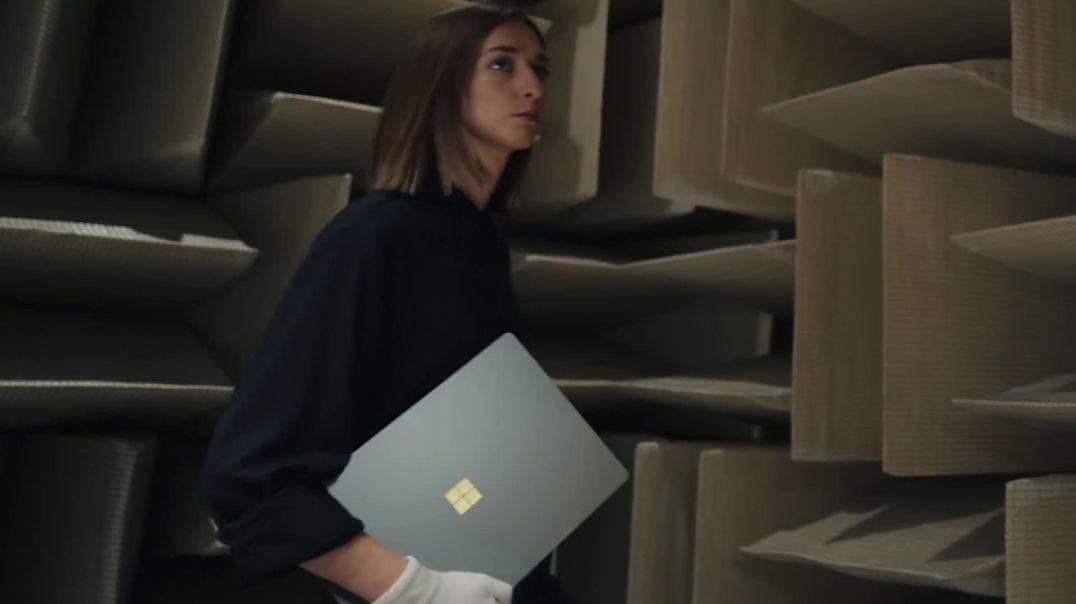
Do We Really Need a “Surface Laptop Ultra”? | Is Microsoft Stepping Into the Future?
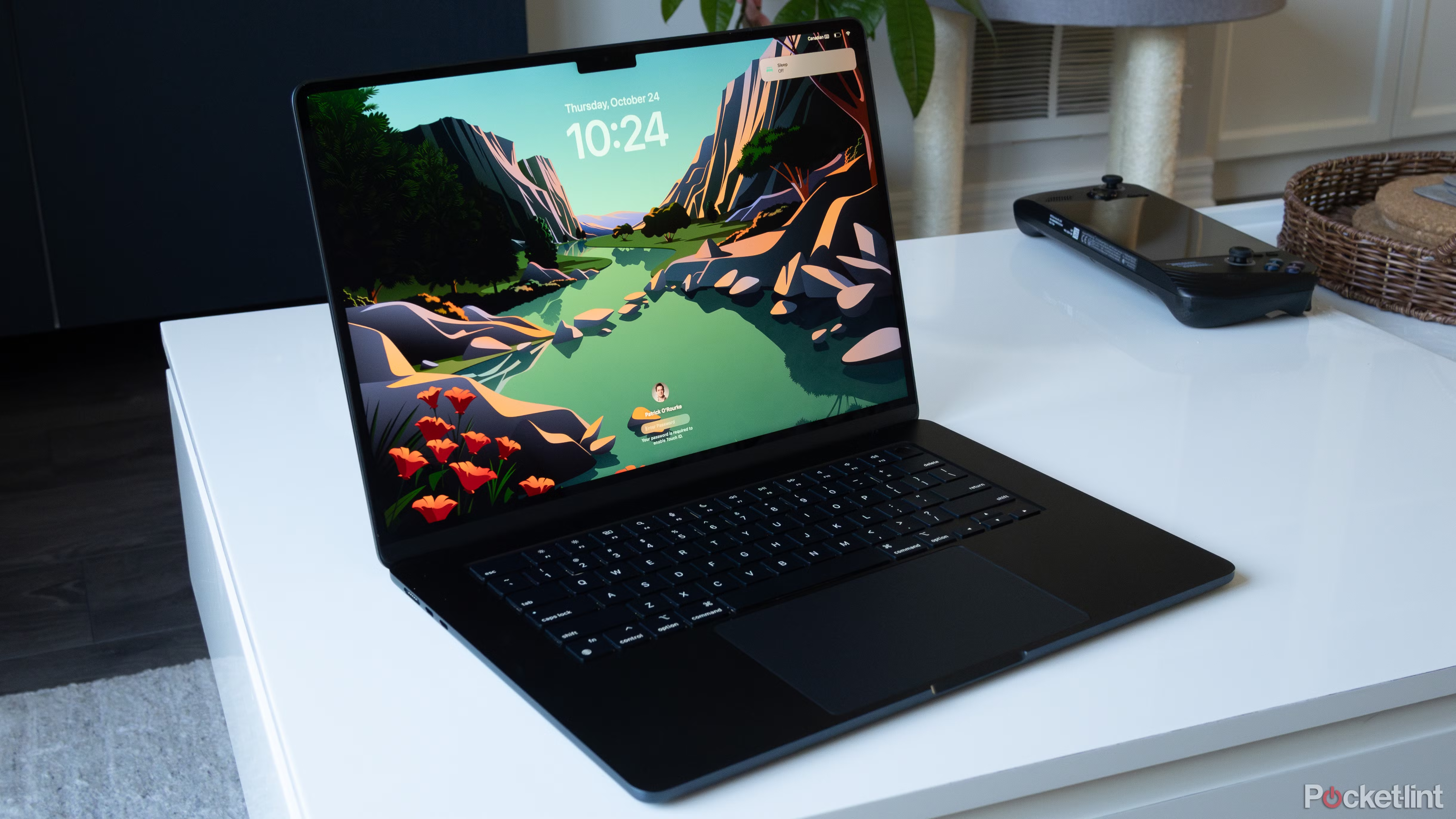
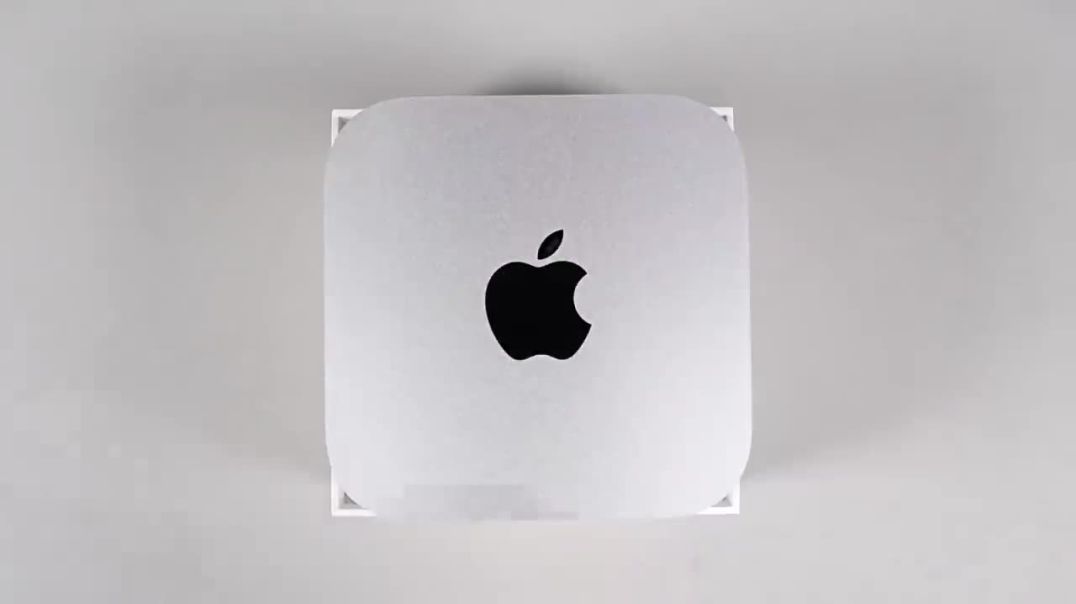
Do You Really Need 2TB in the New Mac mini M5 Pro? | 512GB vs 2TB SSD Upgrade
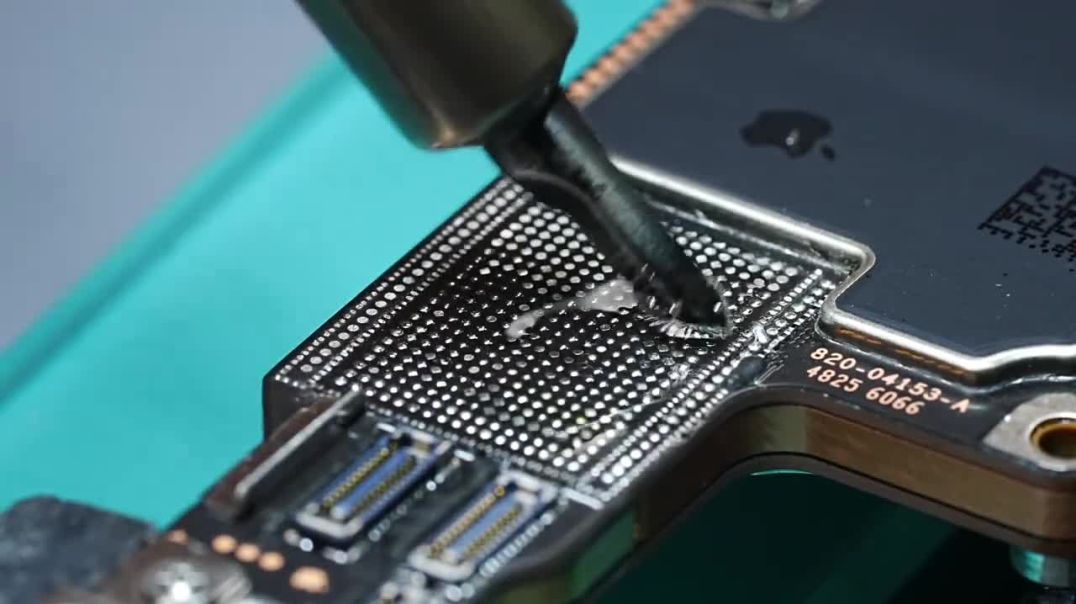
Do You Really Need 2TB on the iPhone 17 Pro Max? | 256GB vs 2TB Storage Upgrade

Why Would You Need an SUV That Turns Into a Camper? | Xiaomi SkyNomad N90 Max
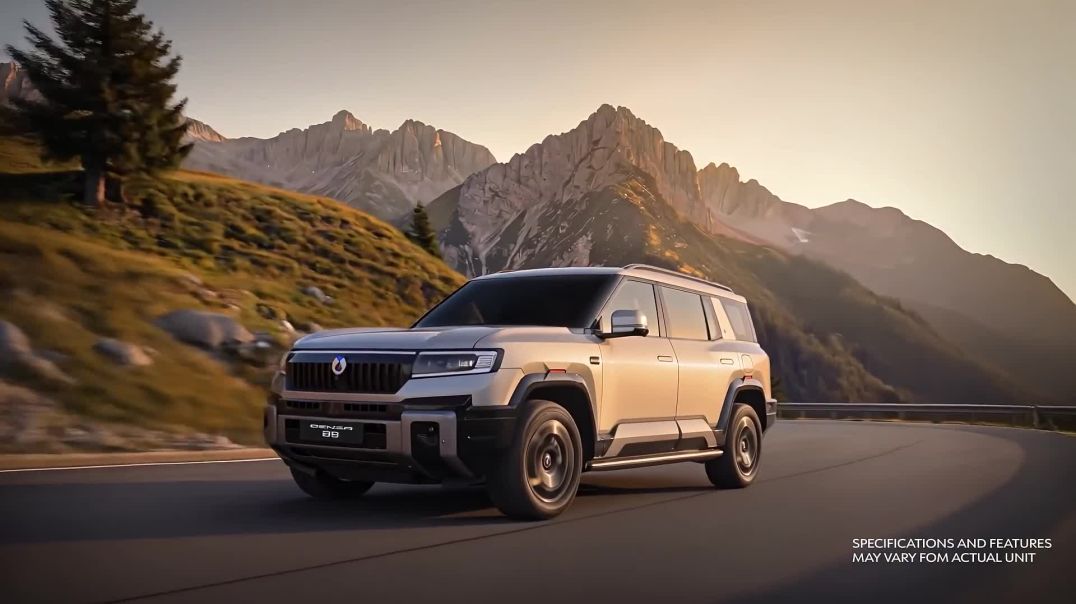
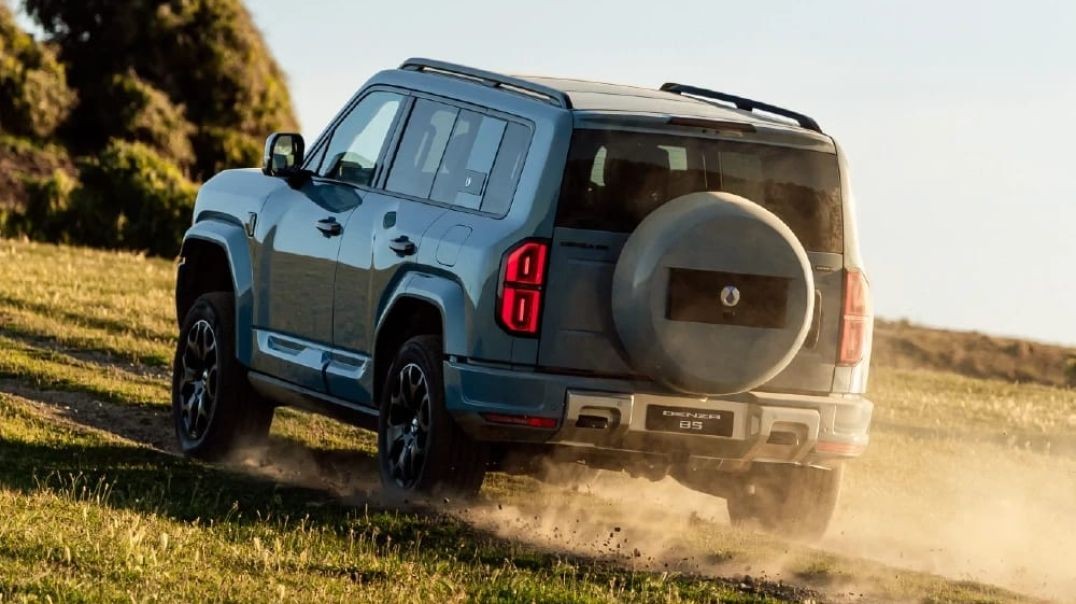
DENZA B5 & B8 | Built for Every Path | Premium SUVs in Auckland, New Zealand
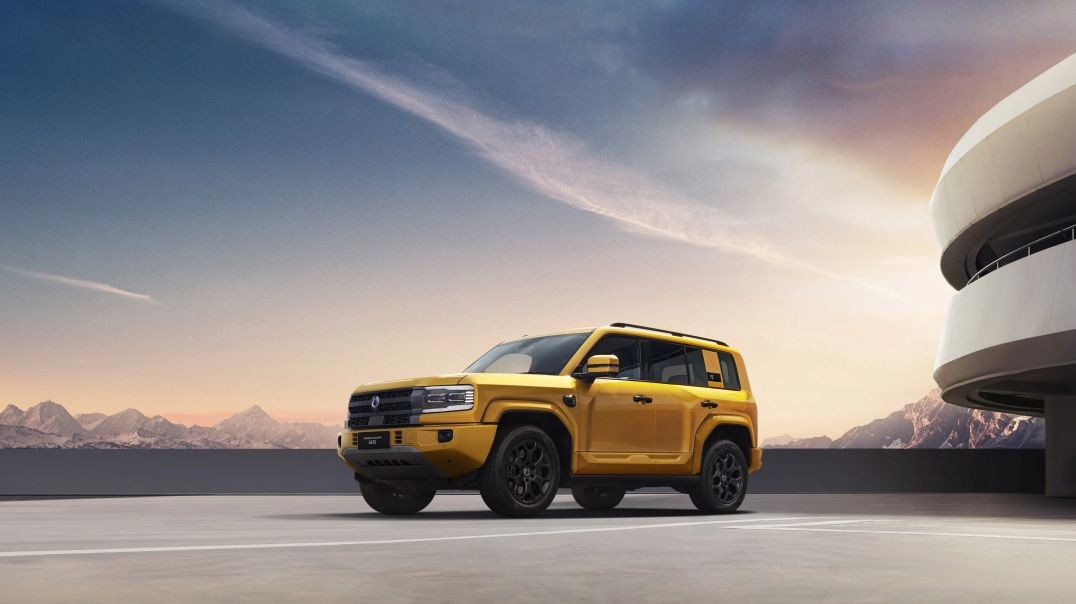
DENZA B5 Premium PHEV | Luxury Plug-In Hybrid SUV in Auckland, New Zealand




Up next
Do You Really Need a Dual-Lens Pocket Camera? | DJI Osmo Pocket 4P Explained 🎥
Is the DJI Osmo Pocket 4P Worth It for Filming in Auckland? | A New Way to Create
Do You Really Need a Portable Monitor? | SOTSU FlipAction Could Change Your Desk Setup
Do We Really Need a “Surface Laptop Ultra”? | Is Microsoft Stepping Into the Future?
Do You Really Need 2TB in the New Mac mini M5 Pro? | 512GB vs 2TB SSD Upgrade
Do You Really Need 2TB on the iPhone 17 Pro Max? | 256GB vs 2TB Storage Upgrade
Why Would You Need an SUV That Turns Into a Camper? | Xiaomi SkyNomad N90 Max
DENZA B5 & B8 | Built for Every Path | Premium SUVs in Auckland, New Zealand
Community Feedback
0 Comments